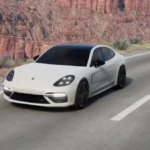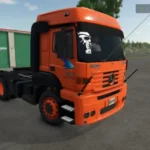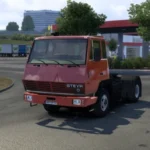
How to Install American Truck Simulator Mods
American Truck Simulator mods can add new trucks, cars, buses, trailers, custom parts, gameplay improvements, realistic fuel prices, traffic changes, map expansions, and many other features. Installing mods in ATS is a simple process and usually takes only a few minutes.
Most American Truck Simulator mods are distributed as .scs files. However, the game can also recognize compatible mod files packaged in ZIP format.
Mod Installation Folder:
Documents > American Truck Simulator > mod
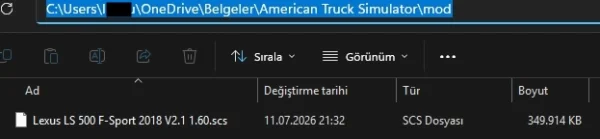
If the mod folder is not available in this location, you can create a new folder manually and name it mod.
Copy the downloaded .scs or .zip mod file into the folder shown above. You normally do not need to extract the file unless the mod author specifically provides different installation instructions.
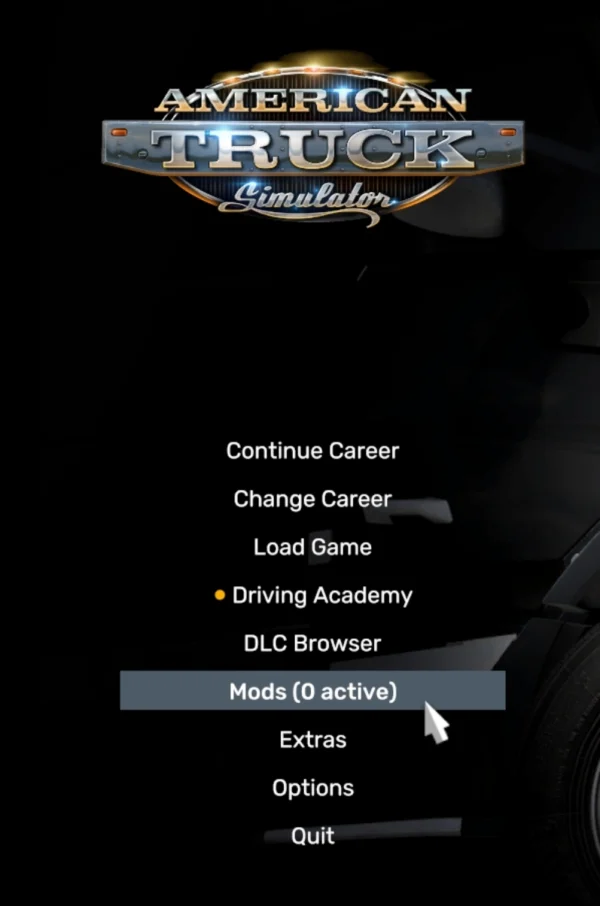
Launch American Truck Simulator and open the Mod Manager from the main menu.
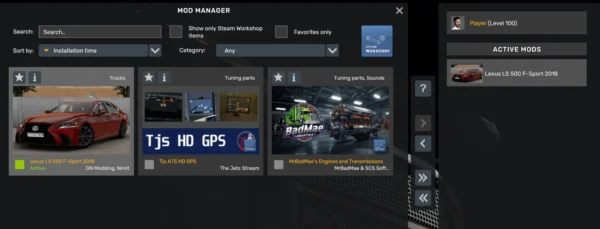
Locate the newly installed mod in the list on the right. Double-click it or use the activation button to move it to the active mods list on the left. Check the mod priority if necessary, then click Confirm Changes to save the configuration.
You can now load an existing saved game or create a new profile.
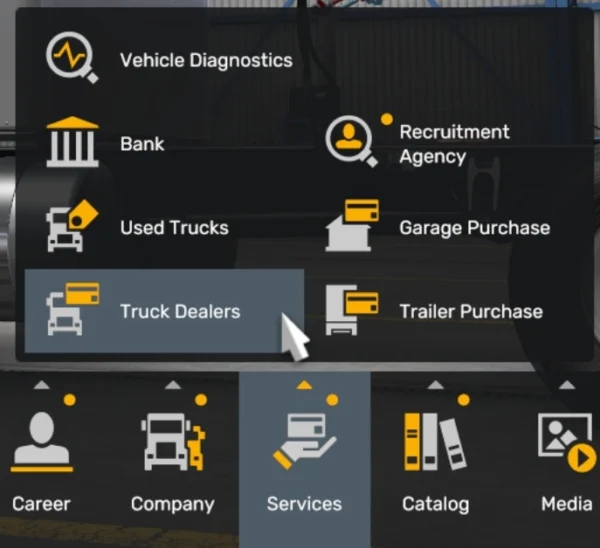
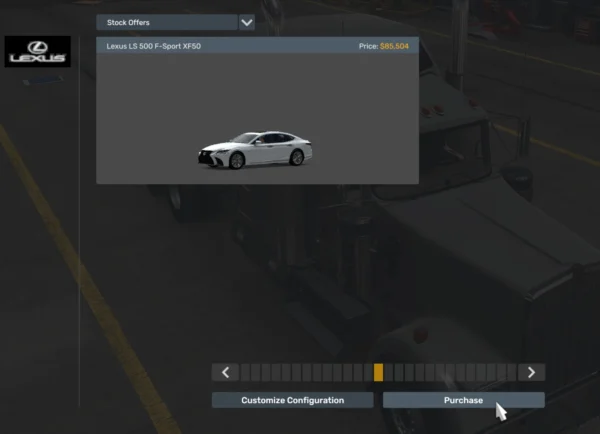
Vehicle mods such as trucks, cars, and buses can usually be found in Truck Dealers, Used Truck Dealers, or Truck Gallery > Mod Dealer, depending on how the mod was created. Trailer mods may appear in the trailer purchase menu. Graphics, weather, traffic, sound, economy, and gameplay mods normally become active as soon as you load your profile.
Map mods may require additional setup. Some maps are created as standalone base maps, while others extend or connect to the original United States map. Map expansions that connect to the standard ATS map can often be used with an existing profile, provided that you own the required DLC expansions.
Standalone map mods usually require a new profile. When creating the profile, you may also need to select the map mod from the map module menu. Always check the mod description for required DLCs, compatibility information, and the correct loading order.
This post was updated on 11 July 2026 18:41.