
How to Install mods for FS25 ?
Farming Simulator 25 mods are downloadable game files that make the game more realistic and add a wide variety of real agricultural vehicle brands and models. These mods can be added to an existing save game or used when starting a new game.
Farming Simulator 25 mods folder:
Documents > My Games > Farming Simulator 2025 > mods
If the mods folder does not exist in the directory shown above, you can create it manually.
Copy the ZIP files you download from the internet into the directory shown above.
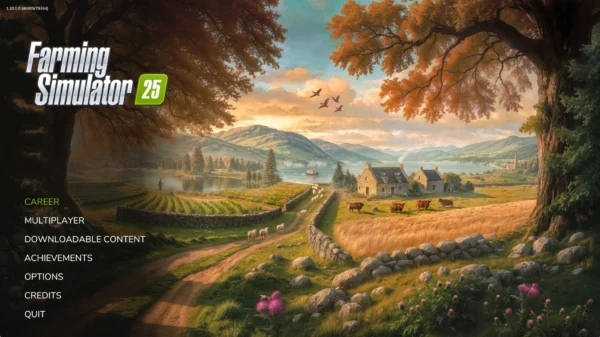
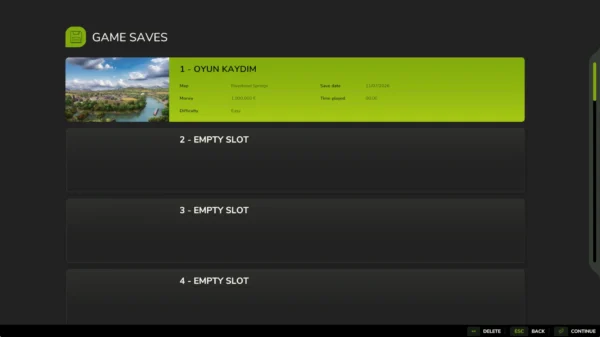
Launch the game. From the main menu, select Career, then choose a saved game or an empty slot.
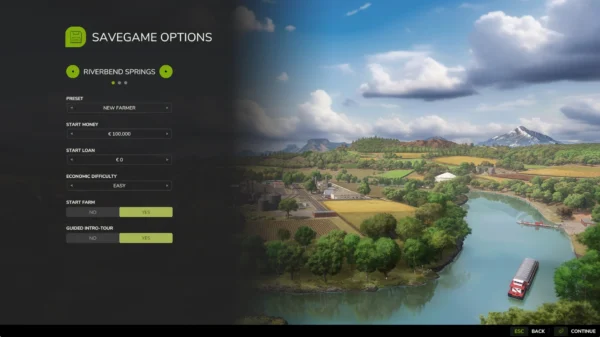
On the Savegame Options screen, configure your game settings, including the map, starting budget, difficulty level, and other available options.
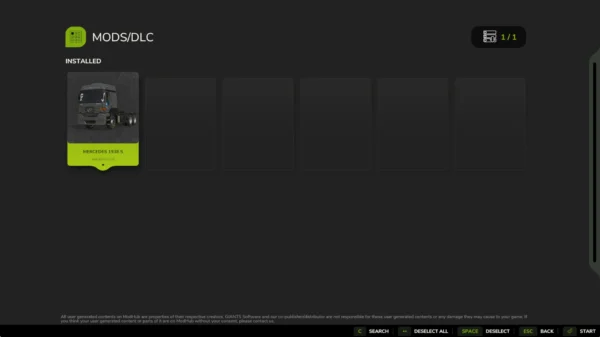
On the Mods/DLC screen, the mod you added will appear in the list. Double-click the mod to activate it, then press Enter to start the game.
Press the P key to open the store, then select Mods and DLCs from the icons on the left. From there, you can purchase and use the mod you added.
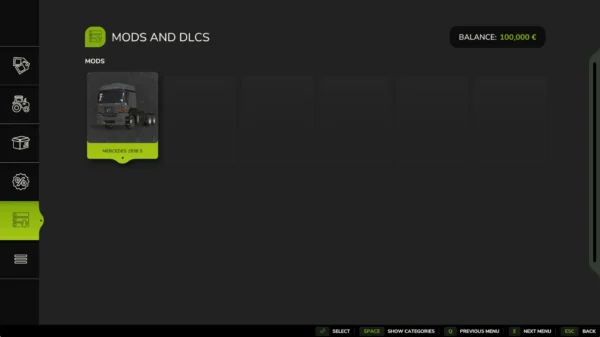
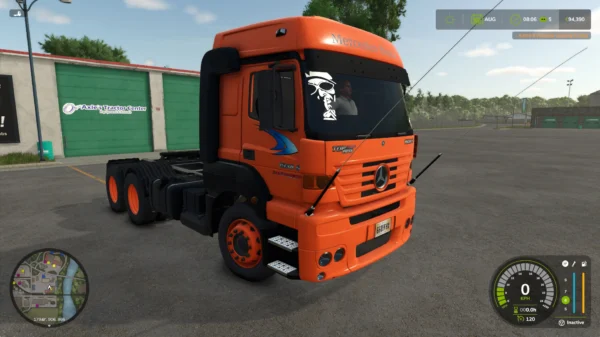
You can purchase drivable agricultural vehicles and other farming equipment using this method. You can also use the available customization options before completing your purchase.
After installing map mods in the same way, you can select the newly added map from the Savegame Options screen.
For construction and decoration mods, press the P key to open the store, click the Other icon in the bottom-left corner, and open the Construction menu. From there, you can place the newly added buildings and decorative objects.